
PTS is auditing Swedish online stores: does your e-commerce meet the accessibility law?
The Swedish accessibility law has applied since June 2025, and PTS is now auditing online stores for real. Here is what it requires in practice and how to prepare your store.
Many online stores have heard of the accessibility law, but few have started working on it. The Swedish Post and Telecom Authority (PTS) has now begun auditing e-commerce for real, so the question is no longer whether the authority looks at online stores, but which ones are next. Here we go through what the law requires, what the risks are and how to find out where your store stands.
The accessibility law (act 2023:254) entered into force on 28 June 2025 and implements the EU accessibility directive. E-commerce services aimed at consumers are among the services covered, according to PTS. PTS is the supervisory authority, but it cannot give advance rulings or individual advice. Every company has to assess for itself whether it is covered.
28 audited online stores and 124 complaints: this is not a distant risk
In October 2025, PTS announced that it is starting its first supervision of e-commerce. The first round concerned larger companies established in Sweden that sell products online. According to LPTT, PTS opened 17 cases in 2025, and eleven more online retailers were added in 2026. That makes 28 supervision cases. Among those named are H&M, Boozt, Ellos, Biltema, KappAhl, Apotea, Åhléns, Mathem, Coop, Ica, Willys, Jula, XXL and Ikea.
At the same time, PTS states on its complaints page that it has received 124 complaints. 110 concern services and 14 concern products. Most are about retailers' websites where functions cannot be used with assistive technology. The figure is not dated on the page, so check the current number with PTS.
On 4 December 2025, PTS also published a survey of 576 Swedish websites, around 26,500 pages. It was a snapshot and not supervision. According to Ehandel.se, the report shows that websites with an e-commerce service have just over three times as many flaws per page.

What PTS actually looks at
Home page, product page and search
According to the authority's announcement, the audit focuses on the home page, one product page and the search function. It covers websites only, not apps. That makes those three page types a good place to start.
Four principles: perceivable, operable, understandable and robust
PTS checks that the website is perceivable, operable, understandable and robust. It also checks that there is information about how the service works and that the information is provided in an accessible way. It is not enough for the page to look good. It has to work for people who navigate without a mouse or use a screen reader.
How an inspection works, step by step
According to PTS description of the supervision, the process has four steps:
- A request for information from the company.
- An audit of the service.
- A check of the accessibility information.
- An opportunity for the company to respond.
If flaws are found, the company must fix them itself. If the flaws are not corrected, or the measures are judged insufficient, PTS can take further action. Supervision does not depend only on complaints. PTS selects services according to its own plan, but can also audit after a complaint or another indication. Not having received a complaint is therefore no guarantee.
What the law requires of an online store in practice
The technical level is EN 301 549, which means meeting WCAG levels A and AA. Level AAA is not required, according to the PTS FAQ. The current version of the standard refers to WCAG 2.1, and an update to include WCAG 2.2 is under way but not finished. The sources disagree on which version applies, so our recommendation is to treat WCAG 2.1 AA as the minimum and build so that WCAG 2.2 is also met.
Only the parts of the website that belong to the e-commerce service are covered by the e-commerce requirements. You assess which parts those are, but the assessment can be tested in supervision. Third-party content that you neither finance, develop nor control is not covered by the law.
Keyboard navigation and visible focus
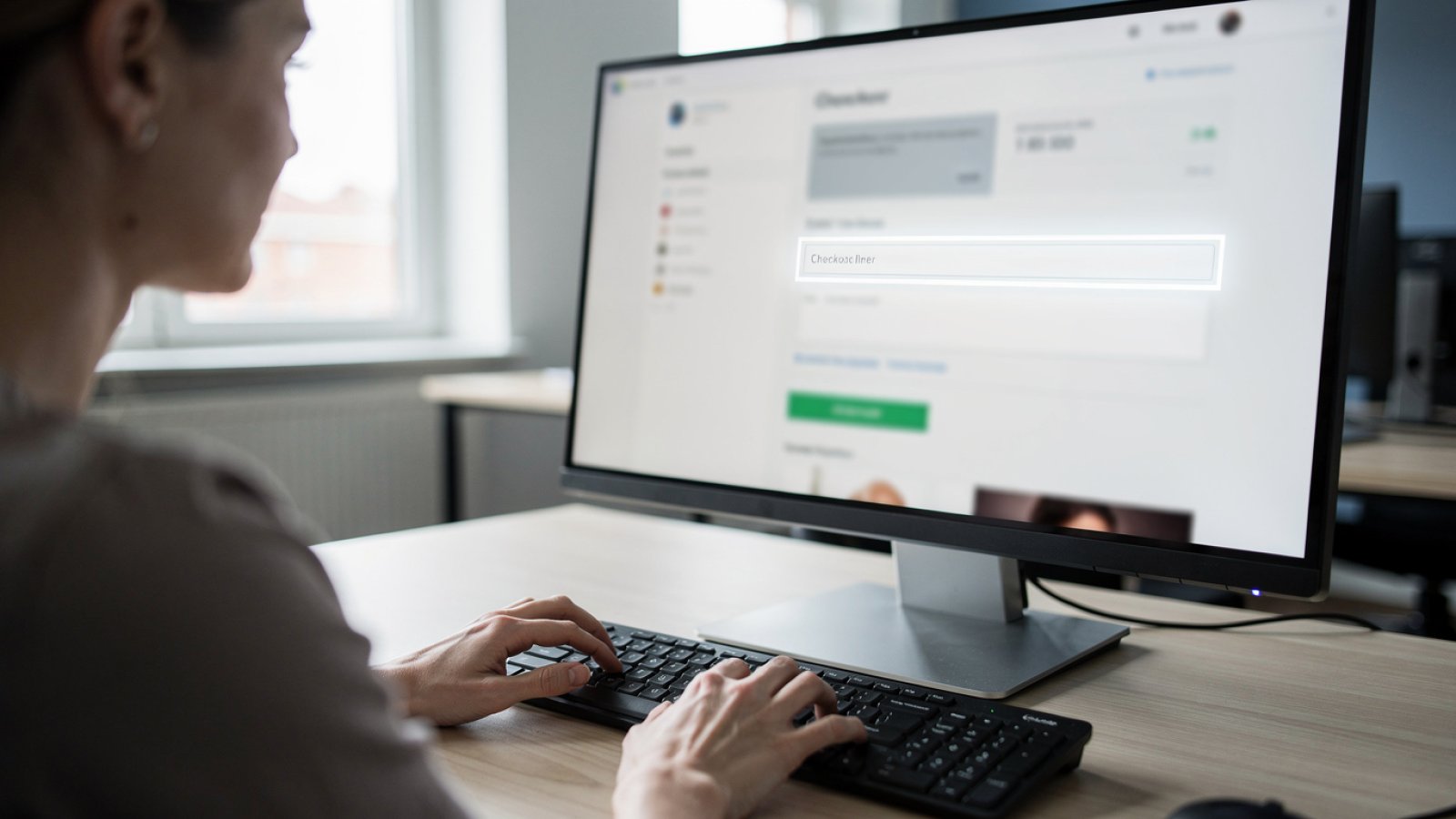
The whole purchase flow, from product list to checkout and payment, must be usable with a keyboard and a screen reader. The focus indicator must be visible when you tab. According to Nordic Web Team, this is one of the basic practical requirements for online stores.
A secondary source, Ehandelstips, mentions that pages that cannot be used with a keyboard and unclear focus indicators are among the most common flaws. It is most common in the checkout.
Contrast and readability
Images must have alternative text and contrast must be sufficient. It sounds simple, but it affects everything from product images and price labels to buttons and discount banners. Pay particular attention to text over images and grey text on a white background, since these are easy to miss in a design process.
Forms and checkout that work with screen readers
Forms must have associated labels, and error messages must be clear and tied to the right field. Someone using a screen reader should be told which field is wrong and why. Form fields without labels are mentioned as a common flaw, especially in the checkout.
The checkout is where a flaw costs the most. A barrier there is directly a lost order and a possible complaint.
Accessibility information and reporting of flaws
Service providers must give information about the accessibility of the service in an accessible way. They must also report accessibility flaws to PTS, which has an e-service for this. This part is often forgotten, even though PTS explicitly checks that the information exists.
Are you one of the companies affected? Risks and common misunderstandings
The audits so far have concerned larger companies, but PTS says supervision happens in stages and that not all companies are audited at the same time. Who comes later has not been decided. It is therefore a reasonable risk, but not confirmed, that later rounds reach smaller retailers. Internationally, a summary from Accessiway suggests that authorities in Sweden and the Netherlands actively seek out companies, while the link between supervision and complaints is still unclear.
The micro-enterprise exemption: narrower than many think
The exemption for micro-enterprises applies to services from companies with fewer than ten employees and an annual turnover or balance sheet total of at most 2 million euro. Both conditions apply, according to the legal text. A company with ten or more employees, or turnover above 2 million euro, is therefore within the law. Many small Swedish e-commerce companies are affected.
Existing online stores are not exempt
The transitional rules are narrow. The law says that a service provider may continue to use products that were lawfully used before the law took effect, and continue services under agreements entered into before, until 27 June 2030 at the latest. This is not a general exemption for existing online stores, and new and updated services must meet the requirements immediately. How the rules apply to your particular running webshop is something a lawyer should assess.
Older content has a specific exemption. Document file formats and pre-recorded media published before the law took effect, and archive content that has not been updated, are not covered. This concerns content, not the store itself.
Exemptions for disproportionate burden or a fundamental change to the service also exist, but according to a secondary source, Selma, they must be justified, documented and possible to present in supervision. They are not a shortcut.
Penalty of SEK 10,000 to 10 million: how it relates to an injunction
PTS can issue an injunction, which may be combined with a fine. If the flaws are not corrected, the company can receive a penalty charge of between SEK 10,000 and SEK 10 million, according to the Swedish Media Authority. SEK 10 million is the ceiling, not the standard amount.
The order is first an injunction to correct, then possibly a penalty charge, as Ehandel.se also describes. That means a company that reacts early and has a plan starts from a much better position.
How an accessibility audit and action plan work
Baseline: automated tests and manual review
Start with a baseline measurement using automated tools against WCAG 2.1 AA, and complement it with manual testing of keyboard and screen reader use in key flows. This is recommended by, among others, Partnersense. Automated tools only find part of the flaws, often estimated at around a third according to Ehandelstips, so manual review is needed. For the same reason, you should not rely solely on an automated scanner or an accessibility plugin.
Prioritise by purchase flow and by what PTS audits
Prioritise the pages PTS audits: home page, product page and search. Then move on to the cart, checkout and payment. That gives you the fastest effect where risk and business value are greatest.
Action plan, documentation and ongoing checks at every update
A good action plan ranks the flaws by severity and page, and states who is responsible and when it should be done. Also document what you have assessed and why, for example which parts of the website belong to the e-commerce service. It helps if PTS requests information.
Accessibility is not a one-off project. Every new feature and update must meet the requirements, so the check should be part of your release routine. When rebuilding or relaunching WooCommerce or Shopify stores, it is cheapest to build accessibility in from the start, since updated services must meet the requirements immediately. This is also pointed out by Pigment.

Summary: what to do in the next month
- Assess whether you are covered. Remember that the micro-enterprise exemption requires both fewer than ten employees and at most 2 million euro in turnover or balance sheet total.
- Do not assume existing stores are exempt. Have a lawyer assess the transitional rules for your webshop.
- Test the home page, product page and search with a keyboard and a screen reader.
- Go through the cart, checkout and payment. Check labels, error messages and focus indicators.
- Check that the accessibility statement exists and that you have a routine for reporting flaws.
- Make an action plan with owners and dates, and build the check into every update.
Want to know where your online store stands? Talk to Revolter
If you want a straight answer on how your online store meets the requirements, we can help you get started. Get in touch and we will look at it together.