
When a WordPress plugin becomes the back door: critical flaws are already being exploited
A single plugin can give a stranger full access to your site. We look at two real cases and how fewer plugins and fast updates cut the risk.
One plugin is enough to hand a stranger the key to your site
In October 2026, attackers began scanning the internet for WordPress sites running the Bricksforge plugin. A critical flaw let them upload and run their own code on the server without logging in. The attack attempts started the day before the flaw became public.
That is not an odd exception. It is what the risk in WordPress looks like in practice. We have worked with WordPress since it was released in 2003 and gladly build in it when it fits. That is exactly why we want to be clear about where it goes wrong: in the plugins.
Why plugins are the weak link
Code from others that nobody at the company has reviewed
Every plugin is code from a third party. Nobody at your company has read it, and you cannot judge for yourself whether it is safe. You trust the developer to write secure code, maintain it and protect their own account. Then that code runs on the same server as the rest of your site.
If an attacker can run code on your server, they can steal customer data, plant spam or scam pages under your domain, and take the site offline. In a WooCommerce shop that also includes customers' addresses and order data.
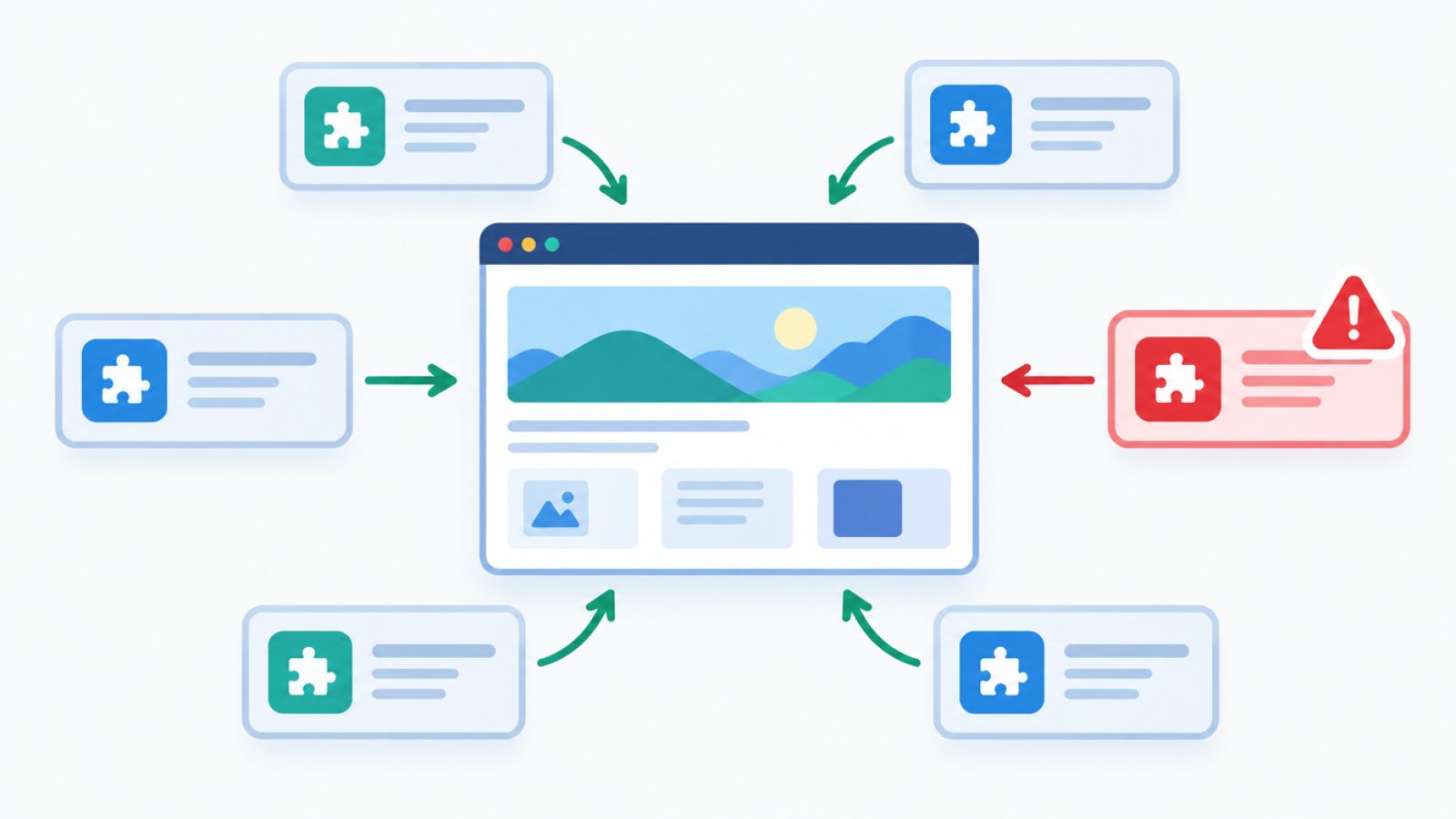
Almost everything that goes wrong in WordPress is in the plugins
According to Patchstack's report State of WordPress Security in 2026, 11,334 new vulnerabilities were found in the WordPress world during 2025, an increase of 42 percent. Around 91 percent were in plugins, and only a few in WordPress core itself.
The risk is in the plugins, not in WordPress itself.
It gets worse: 46 percent of vulnerabilities had no fix when they became public. Updating does not help then. The only way out is to switch off or remove the plugin, and the fewer you have, the less likely it is that yours is affected.
Two examples: an exploited flaw and a back door
Bricksforge: the attacks began before the flaw was known
Bricksforge is a plugin for the page builder Bricks Builder. It has a critical flaw, CVE-2026-85097, with the highest severity rating (CVSS 10.0). Attackers without a login can upload and run their own PHP code on the server. The flaw sits in the plugin's form feature for file uploads.
The security company Patchstack saw the first attack attempts on 7 October 2026. The flaw was made public on 8 October. In other words, there was no time to wait for the news before sites were already under attack.
The attacks do not look targeted at individual companies. Patchstack observed automated attempts from 63 IP addresses, which points to mass scanning for sites that have the plugin. According to SOCRadar, a successful attack can be used to plant hidden remote control files (webshells), change content, read sensitive data and keep access afterwards.
Bricksforge version 3.1.8.10 closes the flaw. According to a secondary source, the update does not remove PHP files an attacker has already planted. So check the uploads folder for unexpected PHP files, for example with names like login_admin_something.php, and compare with Patchstack's own advisory.
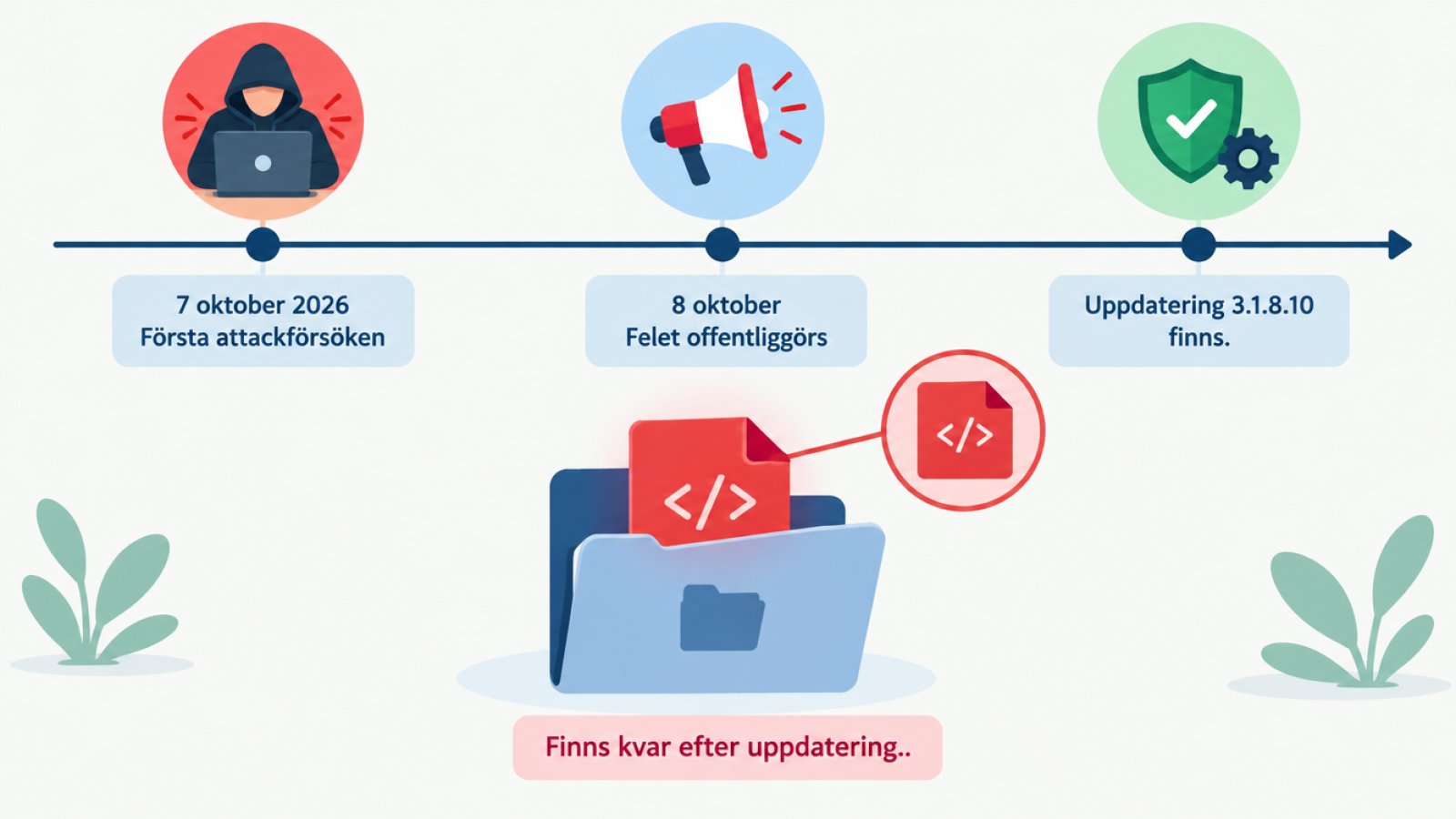
The video plugin with a back door: when the vendor itself is the problem
The second case is from July, so it is not new, but it shows a different risk. The security company Wordfence describes the plugin Advanced Responsive Video Embedder (ARVE), used for embedding video. Version 10.8.7 got a deliberately planted back door on 28 July 2026. It gave full administrator access through a single request without logging in (CVE-2026-18072, CVSS 9.8).
Wordfence calls it a professionally engineered supply chain back door, not a mistake. The code was hidden in a file that looks like an ordinary update check. According to the CVE entry, it was likely planted by an attacker who had gained access to the developer's account. The Dutch site Security.nl writes that it is not known how the code got in, so the account takeover is a likely explanation, not a confirmed one.
Around 20,000 sites used the plugin and were at risk. That does not mean they were hacked. Wordfence writes that WordPress.org confirmed the malicious version had not yet been distributed, so the sites should not have fetched it automatically. WordPress.org then closed the plugin for download. There was no fixed version, and the advice was to check your version and remove the plugin entirely.
An analysis from ONet Solutions adds nuance on automatic updates. The update channel is exactly the route a supply chain attack travels through, but here it was the update not yet having been distributed that limited the damage. The takeaway is that plugins should come from a serious developer, and that someone should keep an eye on them.
25 new vulnerabilities in two days
This is everyday life. According to a compilation of open CVE registries, 25 vulnerabilities in WordPress plugins and one theme were published on 22 and 23 October 2026. They affected, among other things, online shops, forms and membership systems. Most already have a fixed version.
On 23 and 24 October, 29 more followed. One of the plugins was closed on WordPress.org on 13 October and has no new version. The advice is to remove it, a typical example of an abandoned plugin.
How to reduce the risk on a WordPress site
Fewer plugins, and remove the abandoned ones
Start by listing all your plugins and removing the ones you do not use. Deactivated plugins stay on the server, so switching them off is not enough. Also ask whether each plugin is really needed. A plugin for every small feature creates many more places where things can go wrong.
Then remove plugins that have been abandoned, for example ones closed on WordPress.org or not updated for a long time. There is no fix to wait for.
Paid plugins are not automatically safer. According to a summary of Patchstack data, there were 1,983 valid vulnerability reports in premium and freemium plugins, and 59 percent were serious enough for automated mass attacks. Paid code is often reviewed less by independent researchers.
Update within days, not quarters
According to Patchstack, the median time to first mass exploitation of heavily exploited vulnerabilities was 5 hours. About 45 percent were exploited within 24 hours and 70 percent within 7 days. The figures cover the most exploited flaws, not all of them, but the message is clear: a site updated once a quarter has time to be attacked.
So security fixes should go in within days. Also keep a backup and a plan for what you do when something goes wrong. And make sure someone actually owns the updates, because the job nobody knows who does is the one that gets left undone.
Common mistakes
- Updating only once a quarter.
- Believing an update cleans up after an attack. Files already planted stay.
- Installing a plugin for every small feature.
- Trusting that paid plugins are safe.
- Leaving old plugins deactivated on the server.
- Nobody knowing who is responsible for the updates.
When a site without plugins is the safer choice
Astro on Cloudflare: no PHP and no database to attack
For a company site that mostly shows information and has a contact form, we often say that an Astro site on Cloudflare is the better choice. The site consists of ready-made pages, with no PHP or database on the server. Most plugin attacks then have nothing to attack, and the site is fast and cheap to run.
On 21 October 2026, two critical flaws in PHP itself, which WordPress runs on, were also fixed. Cloudflare reported attack traffic against them. That is not a plugin flaw, but a site without PHP on the server is not affected by that kind of flaw.
Nothing is risk-free, though. Even such a site has dependencies in the build, and they need to be watched. The difference is that what sits on the public server is far smaller and harder to attack.
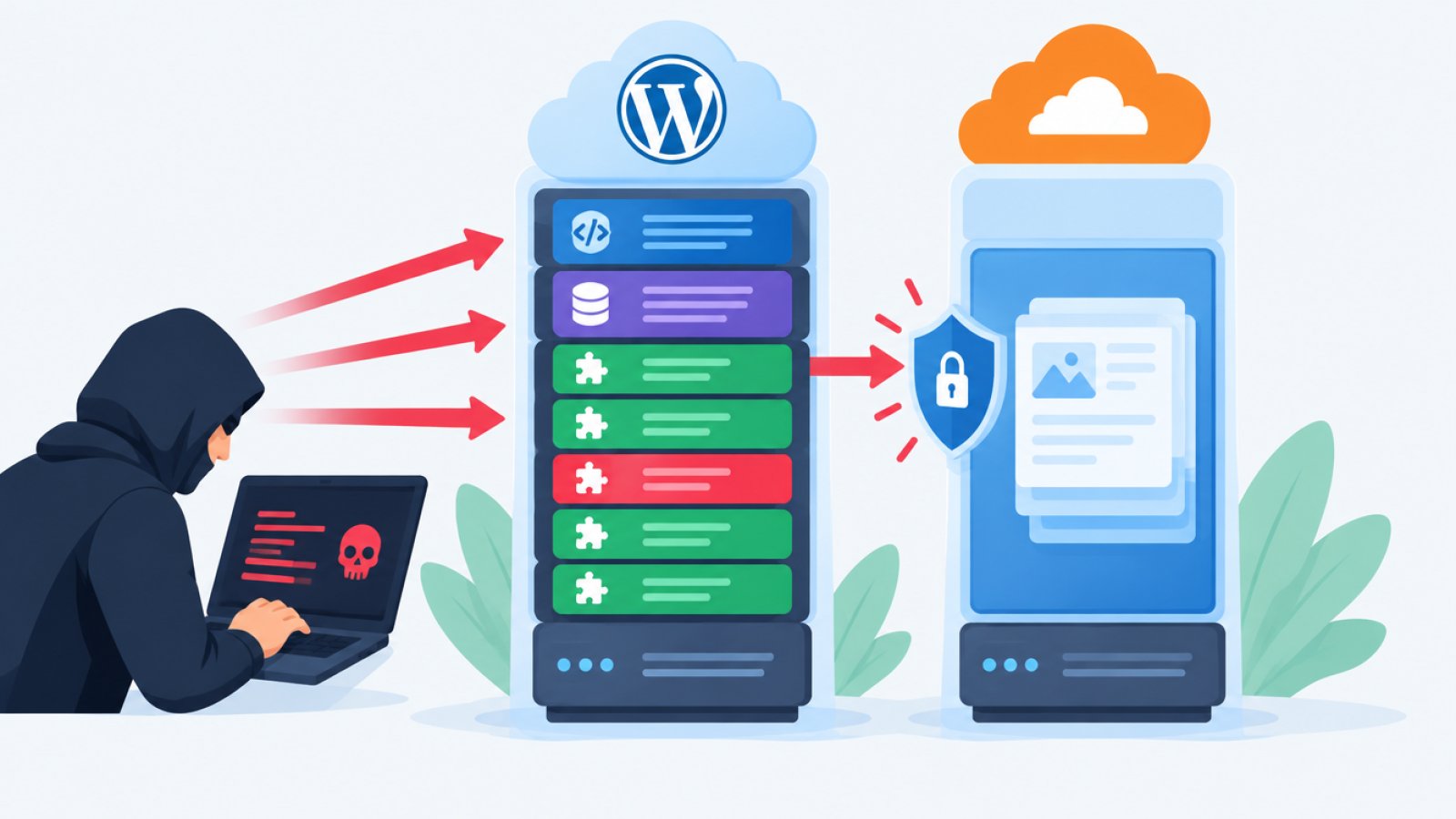
When WordPress is still the right choice
If you want to edit everything yourself in a familiar environment, WordPress is still the right choice. The same goes if you already have a WordPress site that works. Then it is about keeping it healthy: few plugins, fast updates and a clear owner. That is what our maintenance and support for WordPress and web shops is all about.
What you can do today
- List all your plugins and remove the ones you do not use.
- Remove plugins that have been abandoned, for example closed on WordPress.org or not updated for a long time.
- Apply security fixes within days, not months.
- Keep a backup and a plan for when something goes wrong.
- Have someone check the site if a plugin you use has had an exploited flaw, since an update does not clean out files already planted.
- Remove administrator accounts that are not needed.
Not sure what is running on your site?
Get in touch through our contact page and we will go through your plugins and tell you honestly what can go. Sometimes the answer is that you do not need anything from us.